Turn any MIDI controller
into a programmable macro pad
Map pads to keyboard shortcuts, knobs to volume and brightness, buttons to app launchers — all without writing a single line of code.
Everything you need,
nothing you don't
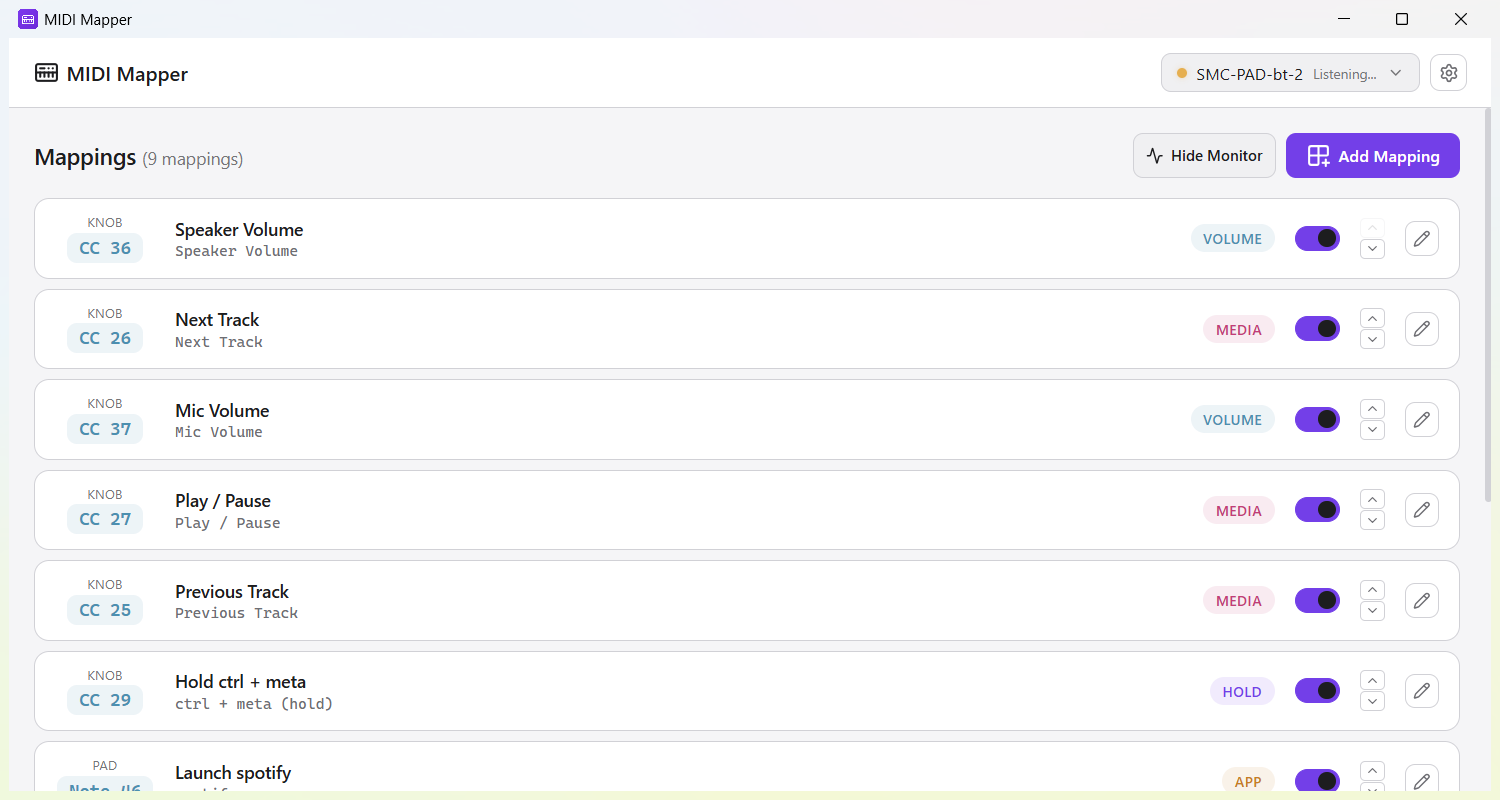
Eight action types cover the full spectrum of system control — from keyboard shortcuts to media playback.
Keyboard Shortcuts
Trigger any key combination from a MIDI pad. Ctrl+Shift+F, Alt+Tab, Cmd+Space — anything goes.
Keyboard Hold
Hold keys down while a pad is pressed. Perfect for push-to-talk, modifier combos, or gaming actions.
Text Input
Type entire text strings with a single pad press. Canned responses, code snippets, email signatures.
Launch Apps
Open applications, scripts, or terminal commands with a single press. Launch your whole workflow instantly.
Volume Control
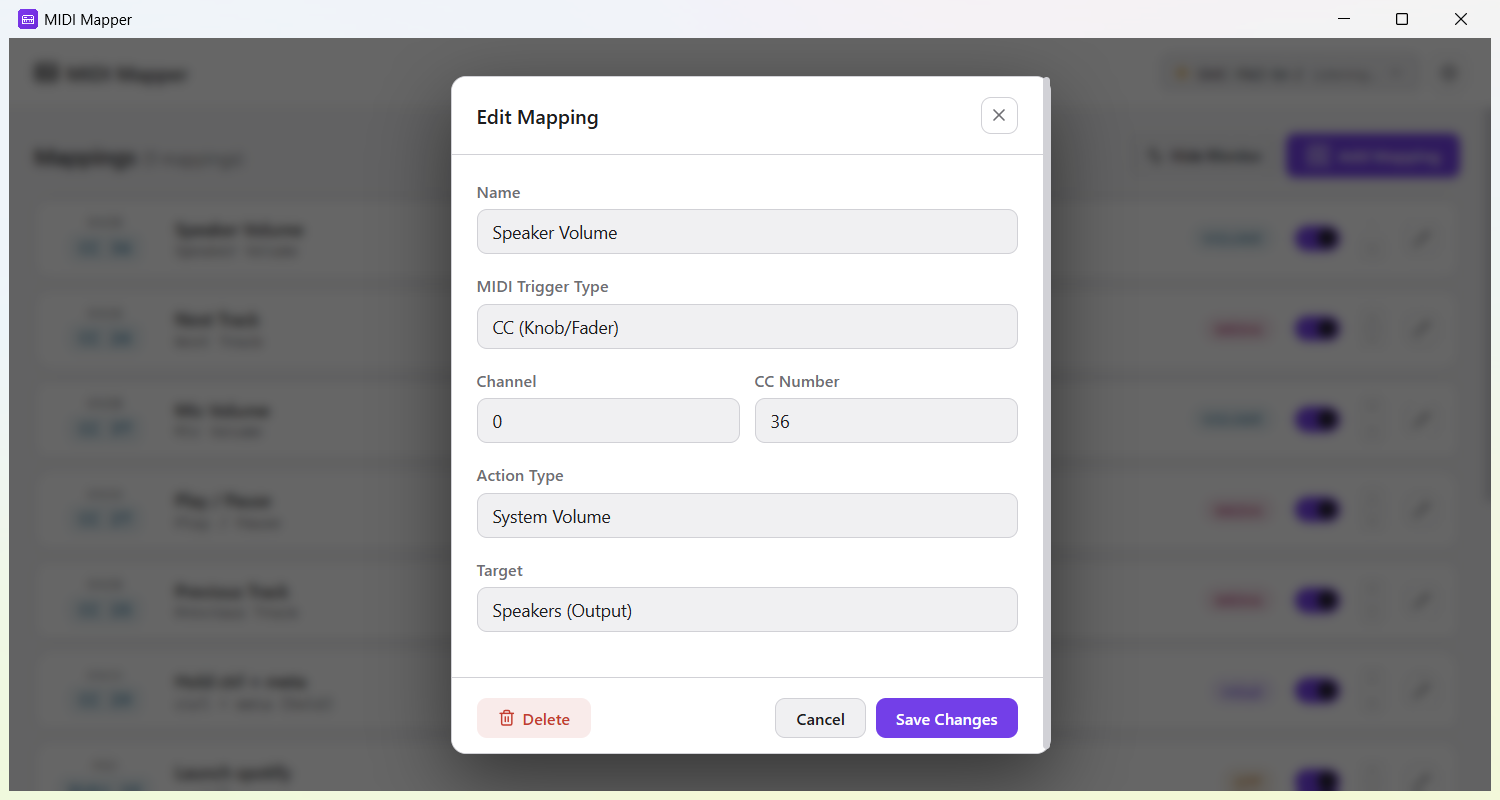
Map a knob to system volume — speakers or microphone. Smooth, continuous control from 0 to 100%.
Mute Toggle
Instantly mute or unmute your speakers or microphone. One tap on a pad — no fumbling through settings.
Brightness
Control display brightness with a knob. CC value 0–127 maps directly to 0–100% brightness.
Media Control
Play, pause, stop, skip tracks. Control any media player without switching windows.
Why MIDI Mapper?
Simple, private, and built to work everywhere — exactly how tools should be.
Learn Mode
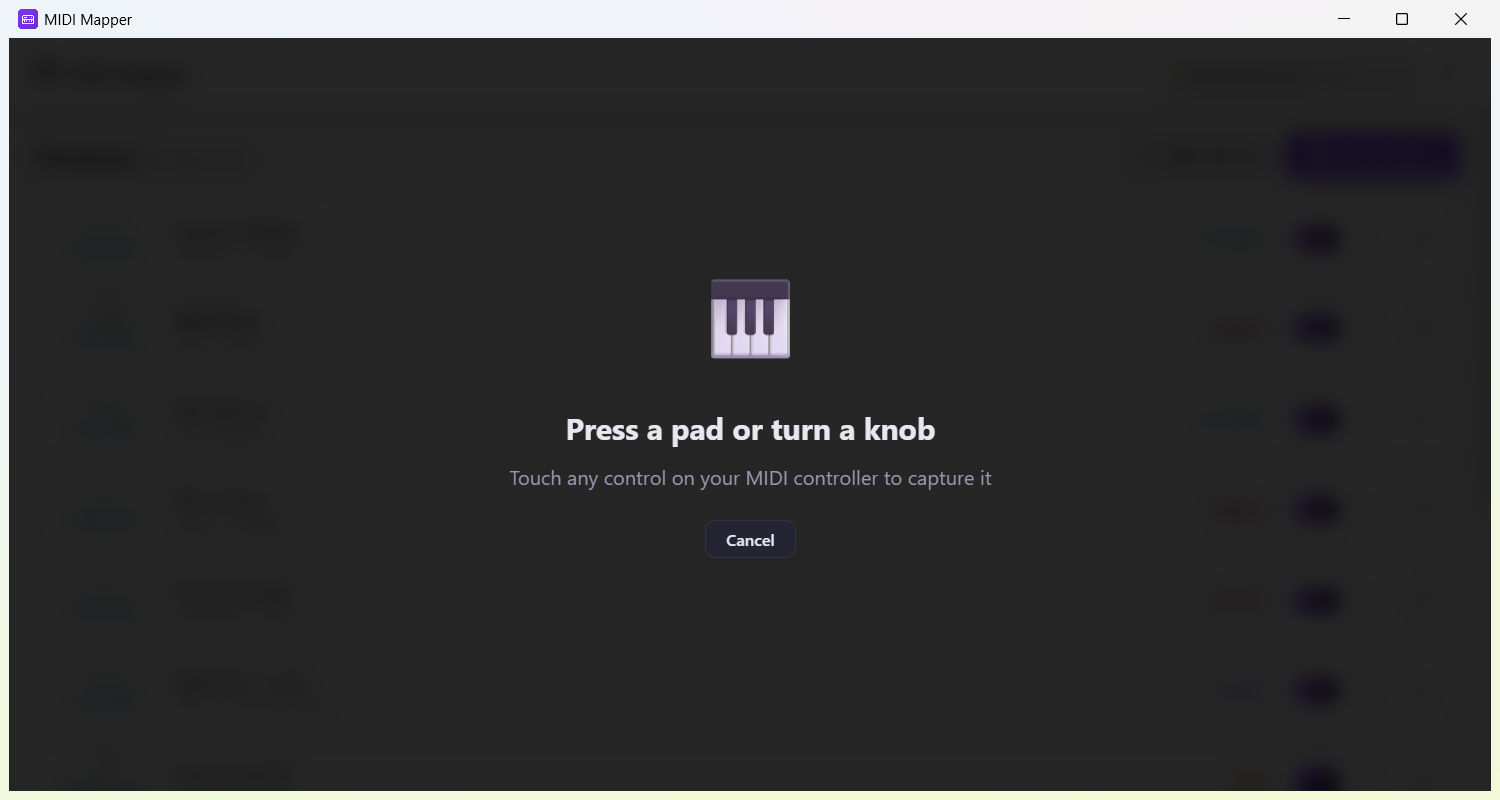
Press a pad, pick what it should do, and it's mapped. It happens right on the main screen — no MIDI numbers to look up.
Profiles
Organize mappings into switchable profiles. One for coding, one for streaming, one for presentations — switch instantly.
Your Data, Your Machine
No accounts, no cloud. Your mappings stay in a local JSON file you own. Anonymous usage analytics help us improve the app.
Cross-Platform
Native support for Windows 10/11, macOS 12+, and Linux (X11 & Wayland). Same app, same config, every OS.
Up and running in 30 seconds
No drivers to install. No config files to write. Just plug in and map.
Connect your controller
Plug in any class-compliant MIDI controller via USB or Bluetooth. MIDI Mapper detects it automatically.
Press a pad or turn a knob
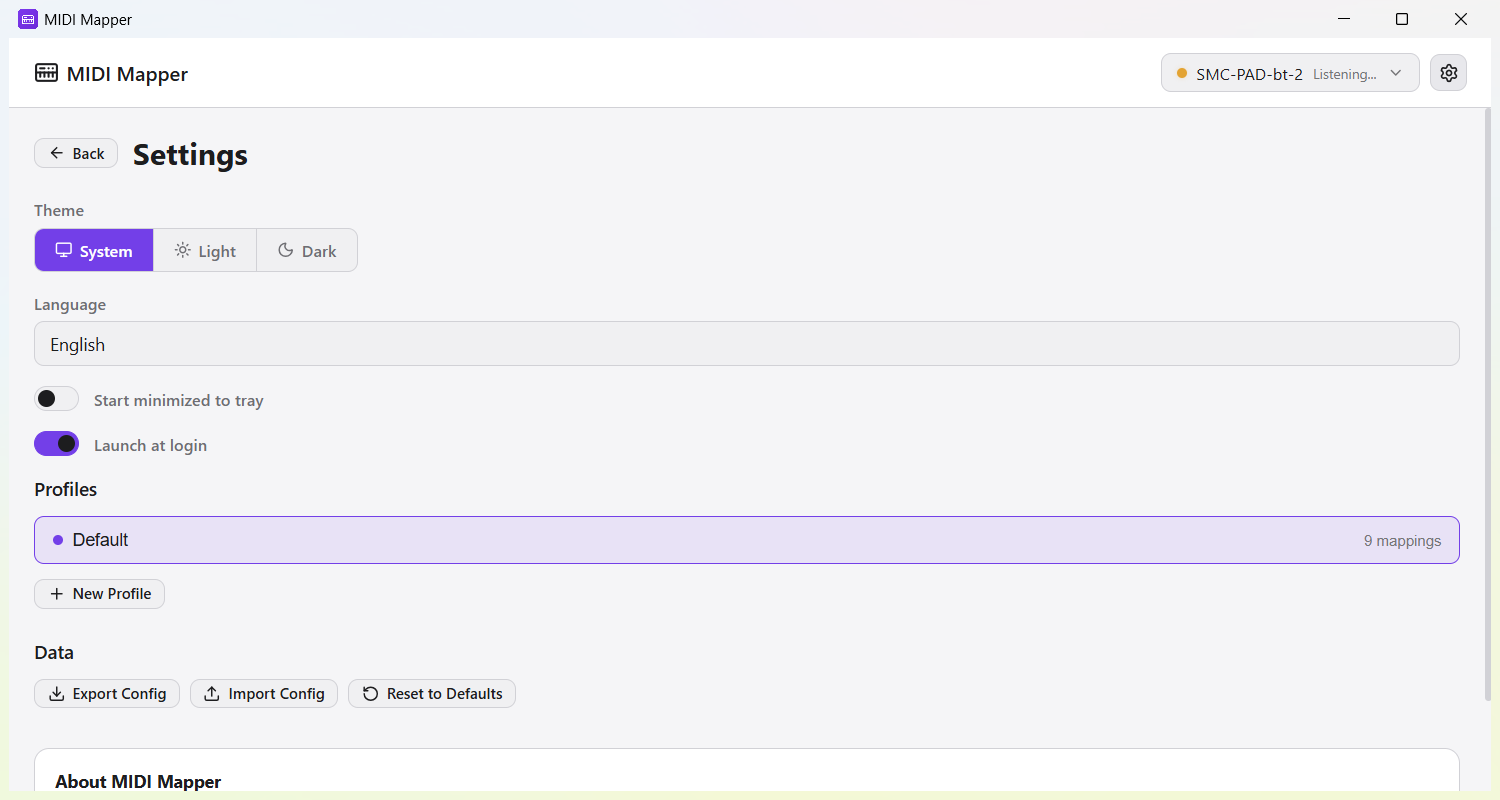
MIDI Mapper catches the control you touched and works out whether it's a pad or a knob.
Pick an action
Choose from eight action types: keyboard shortcuts, volume, mute, brightness, media, text, or app launch.
Done. It just works.
Your mapping is active immediately. MIDI Mapper runs in the system tray, always ready, always listening.
Frequently Asked Questions
Quick answers to the most common questions about MIDI Mapper.
What MIDI controllers work with MIDI Mapper?
MIDI Mapper works with any class-compliant MIDI controller connected via USB or Bluetooth. This includes popular devices like Akai MPD, M-VAVE, Novation Launchpad, Korg nanoPAD, Arturia MiniLab, and many more. No special drivers are needed.
Is MIDI Mapper free?
Yes, MIDI Mapper is completely free. There are no hidden costs, subscriptions, or premium tiers. You can download and use it without creating an account.
Which operating systems does MIDI Mapper support?
MIDI Mapper runs on Windows 10/11, macOS 12+ (Apple Silicon), and Linux (x86_64, both X11 and Wayland). The same configuration format works across all platforms.
Does MIDI Mapper collect any data or require an internet connection?
MIDI Mapper collects anonymous usage analytics (such as which action types are used) to help improve the app. No personal data, MIDI mappings, or account information is collected. Your mappings are stored in a local JSON file that you fully own and control.
Can I use MIDI Mapper for streaming and content creation?
Absolutely! MIDI Mapper is perfect for streamers and content creators. You can map MIDI pads to OBS hotkeys, mute/unmute your microphone, control volume, launch applications, and switch between different profiles for streaming, editing, and gaming.
How do I set up a MIDI mapping?
MIDI Mapper features a Learn Mode that makes setup effortless: connect your MIDI controller via USB or Bluetooth, enter Learn Mode and press any pad or turn a knob, choose an action type like keyboard shortcut, volume, or app launch, name your mapping and you're done. No manual MIDI number entry required.
Download MIDI Mapper v0.2.14
Free. No account required.
Need help? Join the community.
Ask questions, share your setups, report bugs, and request features on our Reddit community.
Join r/midi_mapper